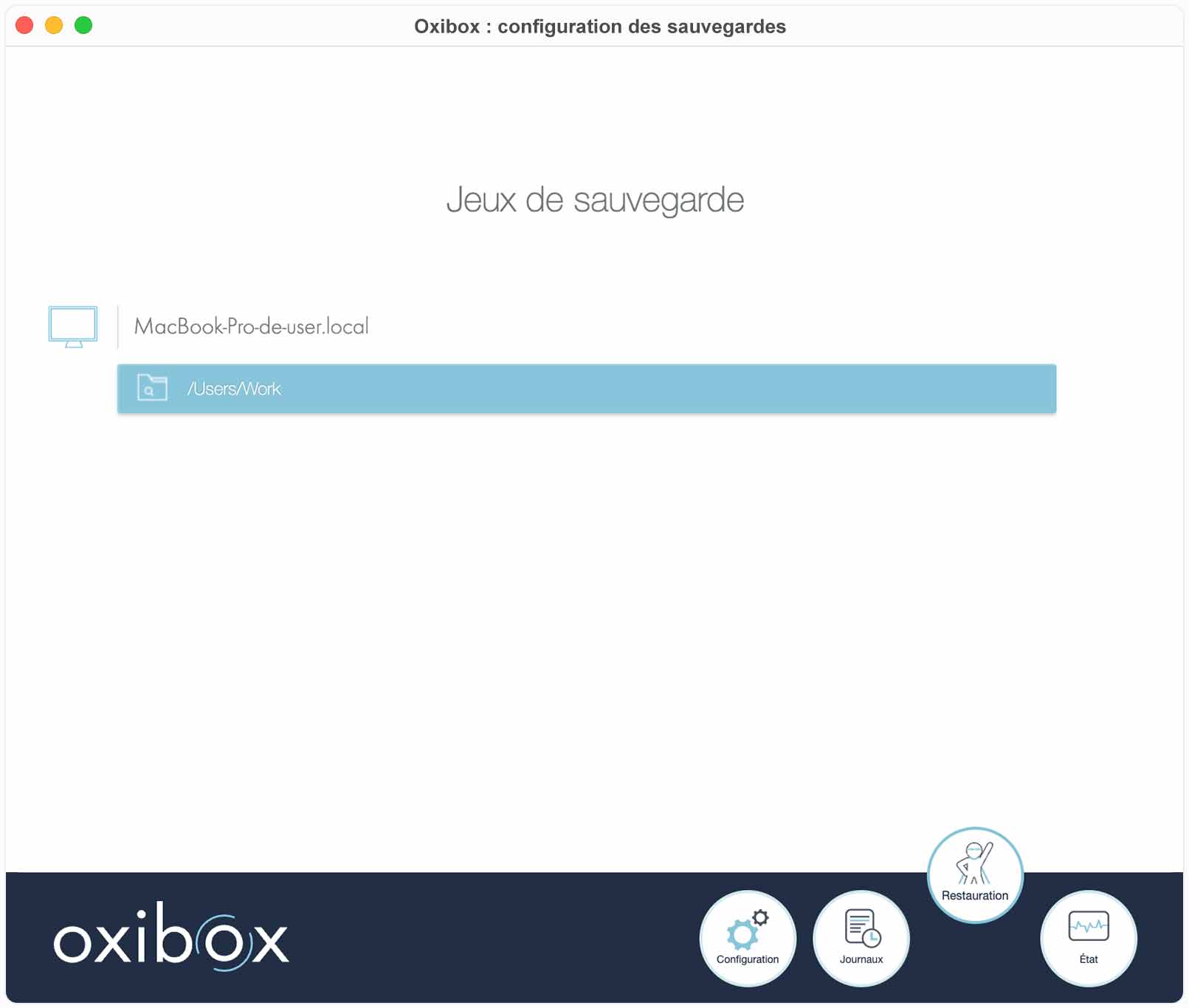
Open the backup agent on the source machine of the data you want to restore.
Click the “Restauration” (Restore) tab to see the backup sets. To retrieve your files, the steps are the same as for a restore from the cloud.
Note: you can only access data that was backed up from this machine.
Then follow the steps described in the restore section From the cloud.