
The Oxibox console centralises the monitoring and configuration of backups for all the accounts you manage. It runs in a browser, with nothing to install.
Log in
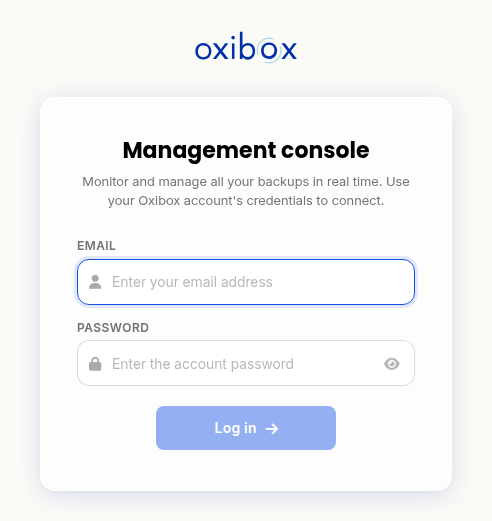
- Open admin.oxibox.com.
- Enter the e-mail address and password of your Oxibox account, then click “Log in”.
- Enter the six-digit code shown by your authenticator app. The login is submitted as soon as you type the sixth digit. At your first login, the console first asks you to register the app: see Register your device at your first login. Lost your device? See Change phones or lose your device.
Find your way around the console
The main menu gives access to four sections:
- Overview: the state of your whole fleet at a glance.
- Accounts: the list of customer accounts and, for each one, its machines, configuration, storage and logs.
- Event viewer: the history of the actions performed on accounts.
- Administration: the users of your organisation and their roles.
At the top of the screen, a search field (shortcut Ctrl+F) lets you find an organisation or a source, and a bell collects notifications. Your profile menu, at the top right, lets you change your password or your email address, log out, set the theme and unified reports, and open the documentation or technical assistance (“Change password”, “Change my email address”, “Log out”, “Settings”, “Unified reports”, “Theme”, “Documentation”, “Technical assistance”). Data refreshes automatically: the “Updated … ago” indicator shows how old the display is.
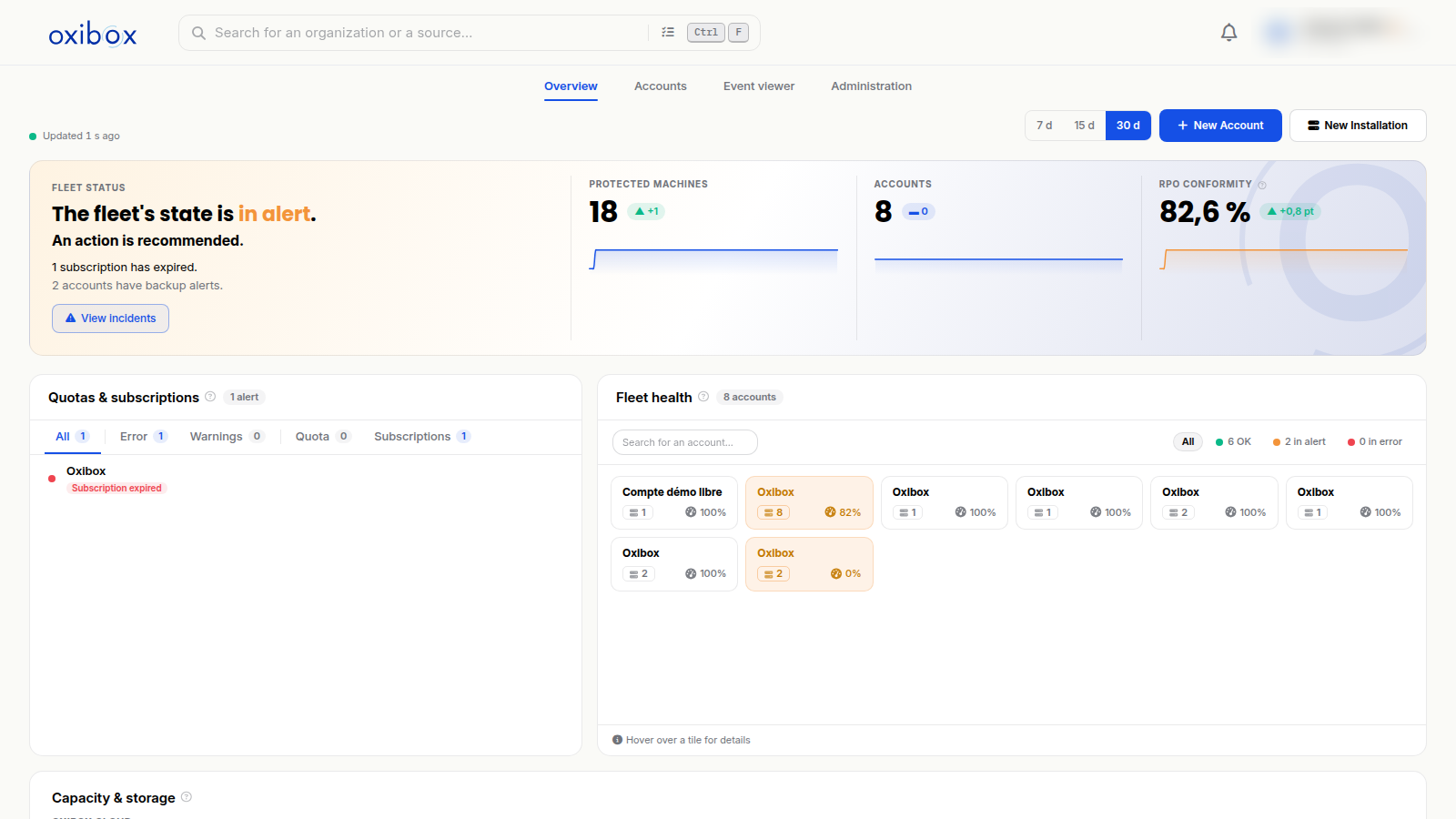
Partner accounts have extra features for managing their customers' accounts: account creation, a shared storage envelope and sub-accounts.
Add a machine
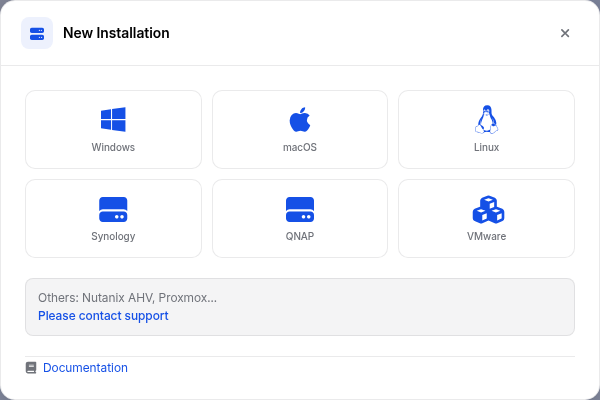
The “New Installation” button in the Overview and in the Accounts list shows the agent installers for Windows, macOS, Linux, Synology, QNAP and VMware. For Nutanix AHV, Proxmox and other environments, contact support. The download links and installation steps are detailed in Backup of physical infrastructures and Backup of virtual infrastructures.
Event viewer
The event viewer is now built into the console, in the main menu. It records logins and sensitive actions (changes to configuration, storage, users, etc.) so that operations can be traced. See Event viewer.
Oxirescue
All the operations for restoring data through the Oxirescue interface are described in the File restore section.