
Our support team is available to help you with installations. We recommend booking an appointment by e-mail: support@oxibox.com
When your customer account was created, you received an e-mail from robot@oxibox.fr containing your username and a link to set your password.
Once you have set a password, follow the steps specific to each installer, described in the following pages of this section.
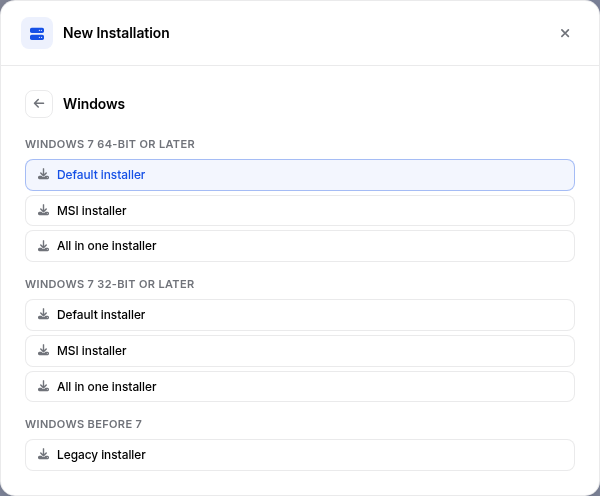
Here are the download links for the main packages and installers:
Windows
Windows 64-bit (minimum Windows 7/Server 2008 R2)
Windows 32-bit (minimum Windows 7/Server 2008 R2)
Windows 32-bit (Server 2003, XP, Server 2008, Vista)
MacOS
MacOS Intel 64-bit/ARM64 (minimum 10.13 High Sierra)
Linux
Linux Debian, Ubuntu and similar
Linux openSUSE (Leap 15.0 to 15.2 and 42.3)
Linux CentOS, RHEL (Red Hat), Fedora and similar
Synology
Synology DSM 7
Synology DSM 6 (minimum 6.2.4 update 2)
QNAP
QNAP (minimum 4.4.0)
The up-to-date list is also available in the Oxibox console: use the “New Installation” button in the Overview or in the Accounts list, or the “Add machine” button on an account's Sources tab. Choose the system to display its installers.
For specific deployments, we recommend contacting support for tailored assistance: support@oxibox.com